Meet TinyCloud: a synced folder, not another web app
TinyCloud is an optional folder on your computer that syncs between your devices. Conflicts keep both copies, and every plan — including Free — gets storage.
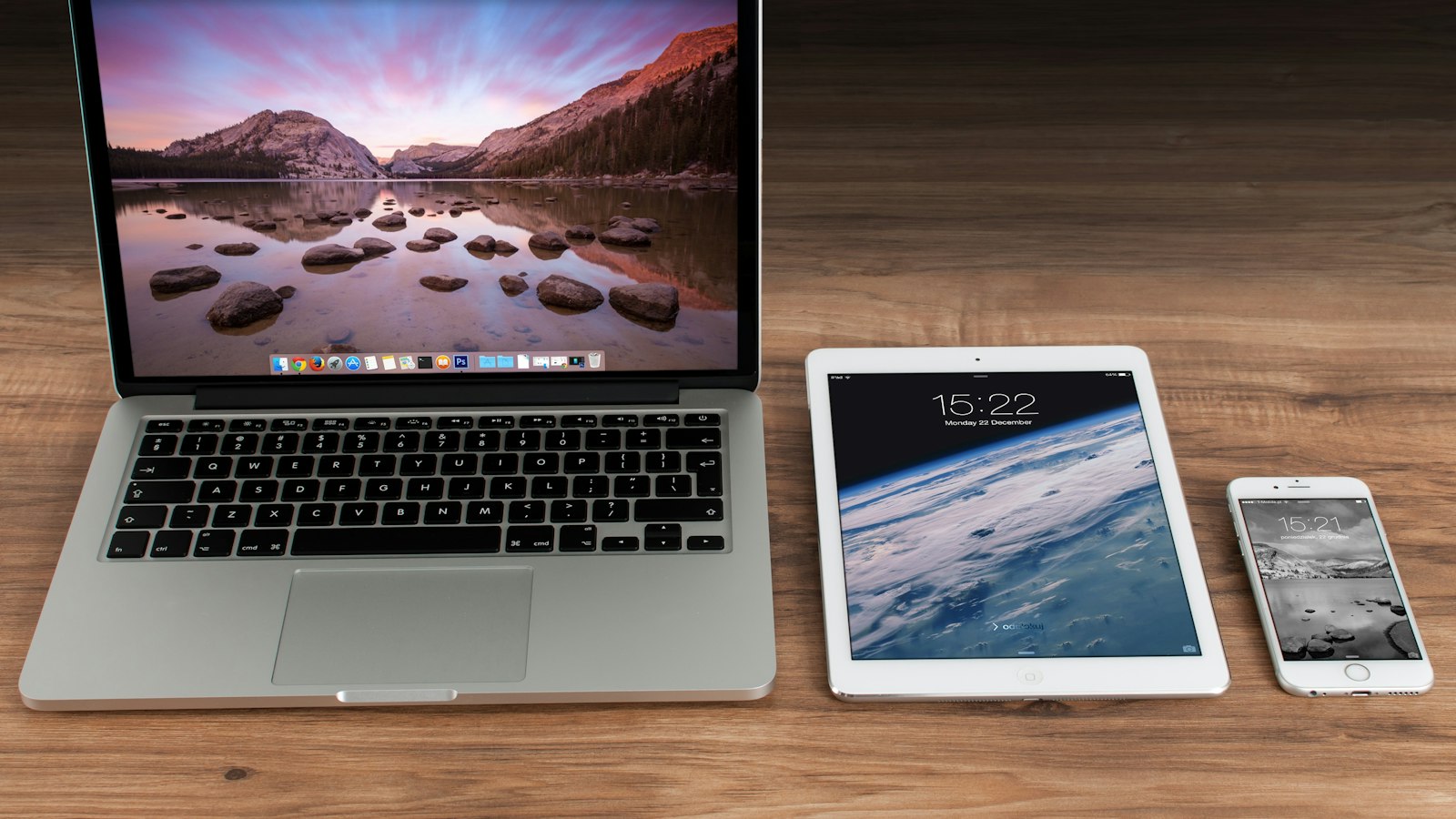
When we thought about sync for TinyOffice, we kept coming back to the same idea: the best sync is the one you forget about. Not a web app to log into, not a special "cloud document" type — just a folder that's the same on every computer.
That's TinyCloud.
A real folder
Sign in to TinyOffice and you get a TinyCloud folder in your home folder. Anything you put in it syncs with your account; sign in on another computer and the same files appear there. It's a normal folder, so you can save into it from TinyOffice, drag files in from Finder or Explorer, or open them with any other app.
Sync goes both ways and runs in the background. TinyOffice watches the folder, so you don't have to remember to press anything — though Sync now, Pause and Resume are there when you want them.
You can always see where a file is
Each file shows one of three states:
- On this device only
- Waiting to sync
- Synced with TinyCloud
Conflicts keep both copies
If the same file changes on two computers before they sync, TinyCloud never silently picks a winner. It keeps both, and renames one so you can see where it came from:
Budget 2026 (conflicted copy MacBook-Pro · TinyOffice 2026-10-18).xlsx
Open both, keep what you need, delete the rest.
Storage on every plan
| Plan | Storage |
|---|---|
| Free | 1 GB |
| Go | 20 GB |
| Plus | 100 GB |
| Pro | 500 GB |
Single files can be up to 5 GB, and deleted files are kept for 30 days in case you change your mind. If you ever fill your storage, downloads keep working — only new uploads wait.
Optional, always
TinyCloud is entirely opt-in. If you never sign in, TinyOffice never syncs anything, and your files stay exactly where you put them.
Set it up with the TinyCloud guide, and see Conflicts, storage & limits for the details.